
Natural language
Say it the way you think it.
Turn a simple message into a reminder without breaking your train of thought.
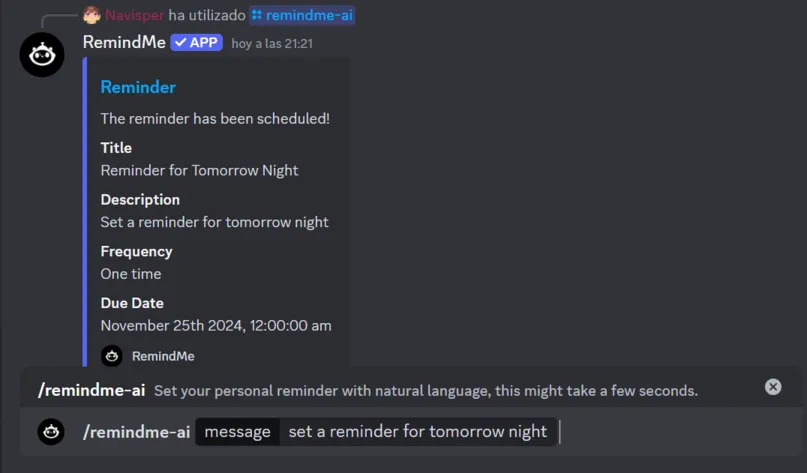
A calmer way to stay ahead inside Discord.
Create natural-language reminders, coordinate groups, and bring every deadline back to the conversation.
Natural language
Group coordination
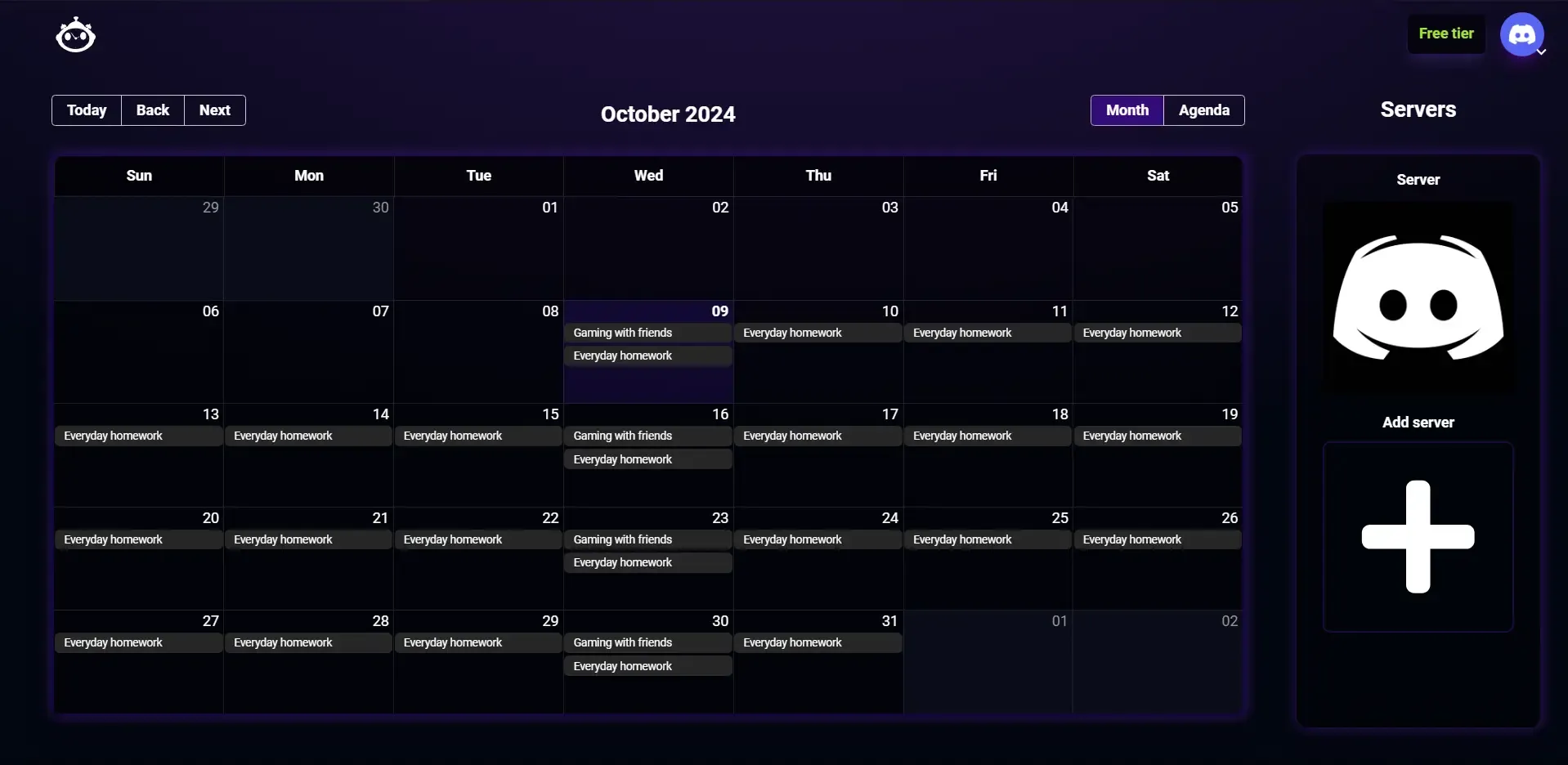
Calendar connection
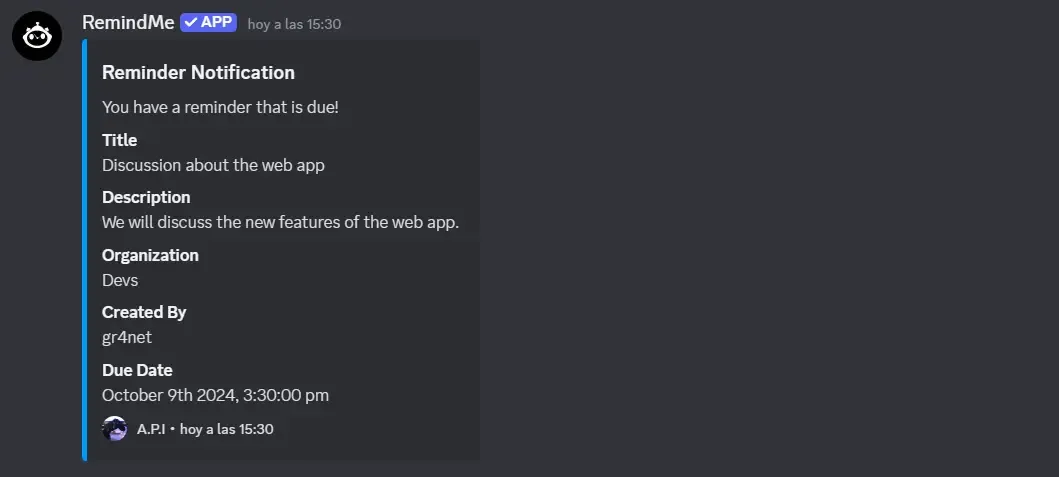
Discord delivery
See it in motion
Watch RemindMe turn a natural message into a useful alert for you or your server.
Prefer reading? Explore commands.
From quick personal notes to shared deadlines, RemindMe keeps the full workflow close to your community.
Natural language
Turn a simple message into a reminder without breaking your train of thought.
Shared plans
Coordinate deadlines and recurring moments without moving everyone into another app.
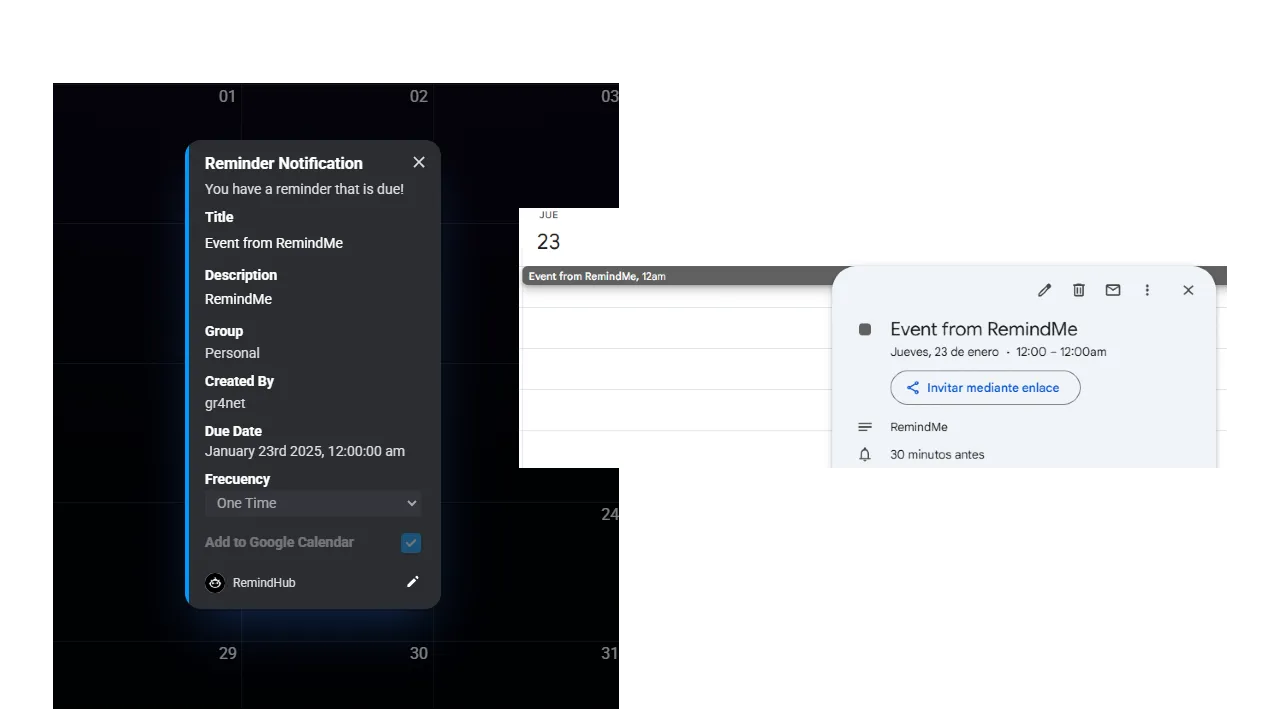
Google Calendar
Link the webapp when a Discord reminder also belongs on your calendar.
Timely alerts
Notifications return to Discord, where the people and context already live.
Start quickly, add precision only when you need it, then let RemindMe handle the return.
/remindme Capture the task before the moment passes.
/reminder Choose exact timing, recurrence, timezone, and delivery.
Discord Receive the alert inside the conversation that needs it.
Questions, answered
Clear answers about Discord, group reminders, AI, and the separate webapp.
Use the Add to Discord button to authorize RemindMe for your server, then run /help or /timezone to get started.
Yes. Use /remindme for free local natural-language parsing, or /remindme-ai when you want the premium AI reminder experience.
Yes. Use /reminder when you need an exact date, time, timezone, recurrence, or notification configuration.
Yes. RemindMe includes group workflows for creating groups, adding or removing members, and managing group reminders from Discord.
Google Calendar linking is handled through the RemindMe webapp. Use Login to open the webapp; the Discord bot and webapp remain separate experiences.
Add RemindMe once. Keep every important moment within reach.